Turn fixed fees, milestones and retainers into a billing schedule that reflects the work you agreed.
Practice supports one-off, dated and recurring invoice plans. Choose when invoices are created, whether they wait for review, and what the client receives.
Elowen Studio × Varenne House · example engagement.
Start with the commercial agreement
The fee model and the schedule are different.
A fixed fee describes what the client pays for agreed work. A schedule describes when invoices are created. You can invoice a fixed-fee assignment once or split it across agreed dates; neither choice changes the scope by itself.
Fixed-fee work
Define the deliverables, exclusions and review rounds before setting the amount. Agree the billing point explicitly: the start of the engagement, an agreed date or a reviewed handover. A due date on an invoice is the payment deadline, not the date the work is complete.
Milestone billing
Connect each invoice to an intelligible part of the engagement. Record the acceptance owner and what happens if delivery moves. A calendar schedule helps organise the invoices; it cannot verify that a workshop happened or a sponsor accepted the work.
Retainer billing
Make the service period and included work visible. Clarify the review cadence, availability and treatment of work beyond the agreement. A recurring invoice should reflect that continuing service, not imply unlimited support.
Choose the pattern
One invoice. A sequence. An ongoing cadence.
Explore how the three scheduling patterns differ, then switch between draft review and issue-and-send processing. These illustrative schedules explain the choices without creating anything in an account.
Recurring schedule
A cadence for an ongoing agreement.
For continuing advisory work, choose a recurring cadence and first occurrence. Keep the service period and included work clear on the invoice.
Useful for an agreed ongoing service. These three dates illustrate a cadence; they do not establish a three-month contract.
Illustrative schedule2026–2027
01 Dec£2,800Draft for review
01 Jan£2,800Draft for review
01 Feb£2,800Draft for review
Illustrative monthly fee · £2,800 before tax per period
The invoice is created for review. Review and issue it before delivery.
The control to keep
A recurring invoice is not an automatic debit. Review the end of the engagement and pause or cancel the future plan when appropriate.
Interactive explanation only. These controls do not create a billing plan, issue an invoice or send a message.
Inside the portfolio · Elowen Studio
Tell the client what the period covers.
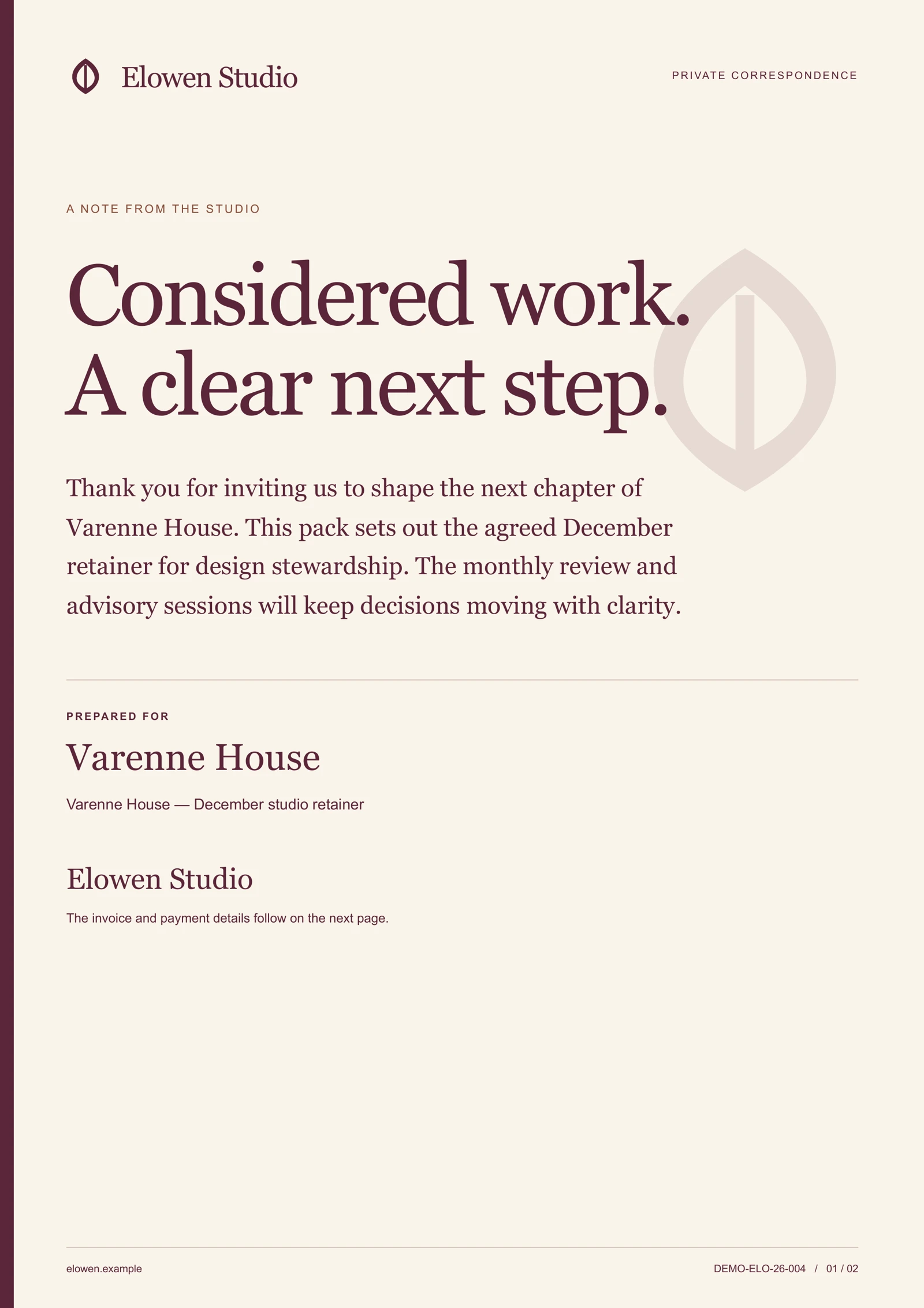
Elowen’s two-page example pairs a personal cover note with the December invoice. The note describes design stewardship, a monthly review and advisory sessions. The invoice then makes the amount and payment details explicit.
Client
Varenne House
Period
December 2026
Fee before tax
£2,800
Illustrative tax
£560
Example total
£3,360
Use the client-facing document to explain the schedule, then set up the billing plan in Practice.
Start from the correct client and invoice details. The plan keeps its own scheduling and processing choices; an attractive invoice alone does not establish them.
The prepared app demonstration shows invoice review. The schedule comparison above is a separate explanation of billing-plan choices.
01
Check the invoice basis
Confirm the client, engagement, line items, quantities, currency, tax and payment terms. Use a customer-facing title that describes the actual work or period. Keep the internal plan name separate from the title the client sees.
02
Set dates and timezone
Choose one scheduled occurrence, a finite list of dates or an ongoing cadence. Check the first date, time and timezone. For dated work, compare the schedule with the agreed milestones and record who will review a delay.
03
Choose the review boundary
Draft for review creates an invoice for you to inspect before issue. Issue and send issues the invoice and enqueues delivery when the active plan runs. Check the recipient, message and sending configuration before choosing automatic processing.
04
Review and activate
Saving a draft is not activation. Inspect the next occurrence, amounts and delivery choices, then activate when they match the agreement. Review plan history and the resulting invoice and communication states after a run.
When the engagement changes
Change the future. Check what already exists.
Do not assume that changing a plan rewrites an issued invoice or withdraws a queued message. Treat the future schedule, existing invoices and delivery queue as related records with different states.
A milestone moves
Review the future occurrence before it runs. If an invoice or message already exists, inspect it separately. Confirm the new date with the client and keep the reason for the change with the engagement.
A retainer pauses
Pause the plan to stop future runs while you resolve the agreement. Check work already delivered, invoices already generated and any outstanding balance. Resuming the schedule is a deliberate action.
The engagement ends
Cancel future billing when appropriate, then reconcile existing invoices and communication records. Cancelling the plan does not erase the work already invoiced or mark an outstanding balance as paid.
The final review
Keep four states distinct.
A scheduled occurrence, an issued invoice, a sent message and a received payment describe different events. Check the relevant record before telling a client that the next step has happened.
Review the recipient
The sponsor may not be the person who processes payment. Confirm the billing contact, purchase-order reference and delivery requirements before the first invoice.
Review the description
Make the period or agreed deliverable explicit. Inspect each resulting invoice for details that should change between periods; do not assume every date or line description updates itself.
Review the outcome
Check delivery and payment status before following up, so your next message reflects what has happened.
A practical review sheet for the agreement, schedule, processing and first run. Editable text · no email required
Practice supports finite plans with explicit dated occurrences. They are calendar-based: a date arriving does not prove a deliverable has been accepted. Review or adjust the future schedule when an agreed milestone changes.
Does a recurring invoice automatically charge the client?
No. Invoice creation, issue, delivery and payment are separate. A recurring billing plan does not itself establish an automatic debit or prove that a client has paid.
What is the difference between draft for review and issue and send?
Draft for review creates an invoice that waits for review. Issue and send issues it and enqueues its delivery when the active plan runs. A successful send still depends on valid recipient and sending configuration.
Does editing a plan change earlier invoices?
Plan edits apply to future occurrences. Previously generated invoices and queued messages stay unchanged, so review those records separately when the engagement changes.
Keep the commercial thread intact
The work, the invoice and the next action.
Bring billing into the same workspace as the client context and the deliverables it relates to.